




Billable event

Invoice
Payment request
Payment
Receipt
Member record
Reconciliation.
Conversation operations
From charge creation to a reconciled member record.
 Create billing from memberships, bookings, packages and other transactions.
- Keep invoices, receipts and payment status connected.
- Give teams a clear view of outstanding and completed transactions.
Product Experience
Connect member eligibility with the right offer.
Key Capabilities


Member Eligibility
Clarify who qualifies for each price or discount.
Offer Terms
Document eligible services, dates, exclusions and validity
Booking & POS Context
Identify where the rate is actually applied.
Campaign Communication
Promote eligible offers through configured channels.
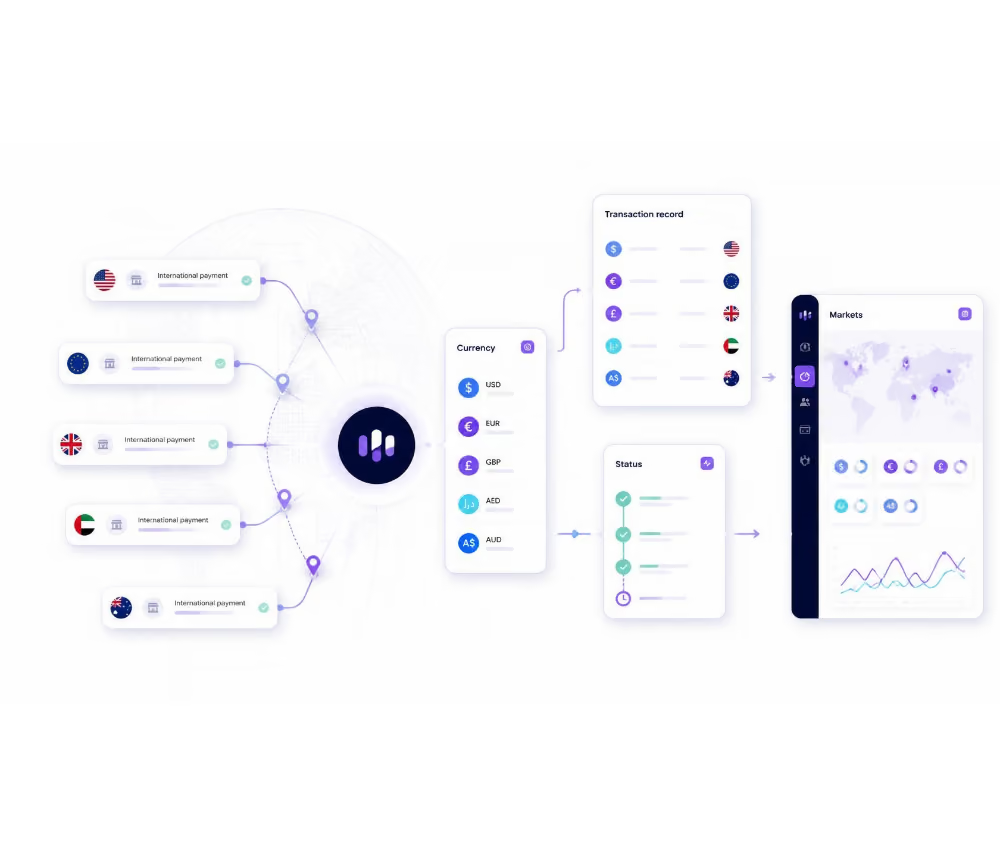
Transaction Records
Review discounts captured by the connected workflow.
Pricing Integration Review
Validate PMS, POS, payment and channel-manager dependencies.
Related Capabilities
Explore other platform capabilities
Every Membroz module is more powerful when connected to the rest of the platform.


Member-Exclusive Discounts & Pricing FAQs

Can member discounts vary by stay date?
Can Membroz enforce rates across OTAs?
Can owners receive special rates?
Can discounts apply to packages and services?
Can a discount be applied automatically at checkout?


