




Member Message

Member Record
Business Context
Automated / Staff Response
Booking / Payment /Actio
Conversation History
AUTOMATED MEMBER COMMUNICATION
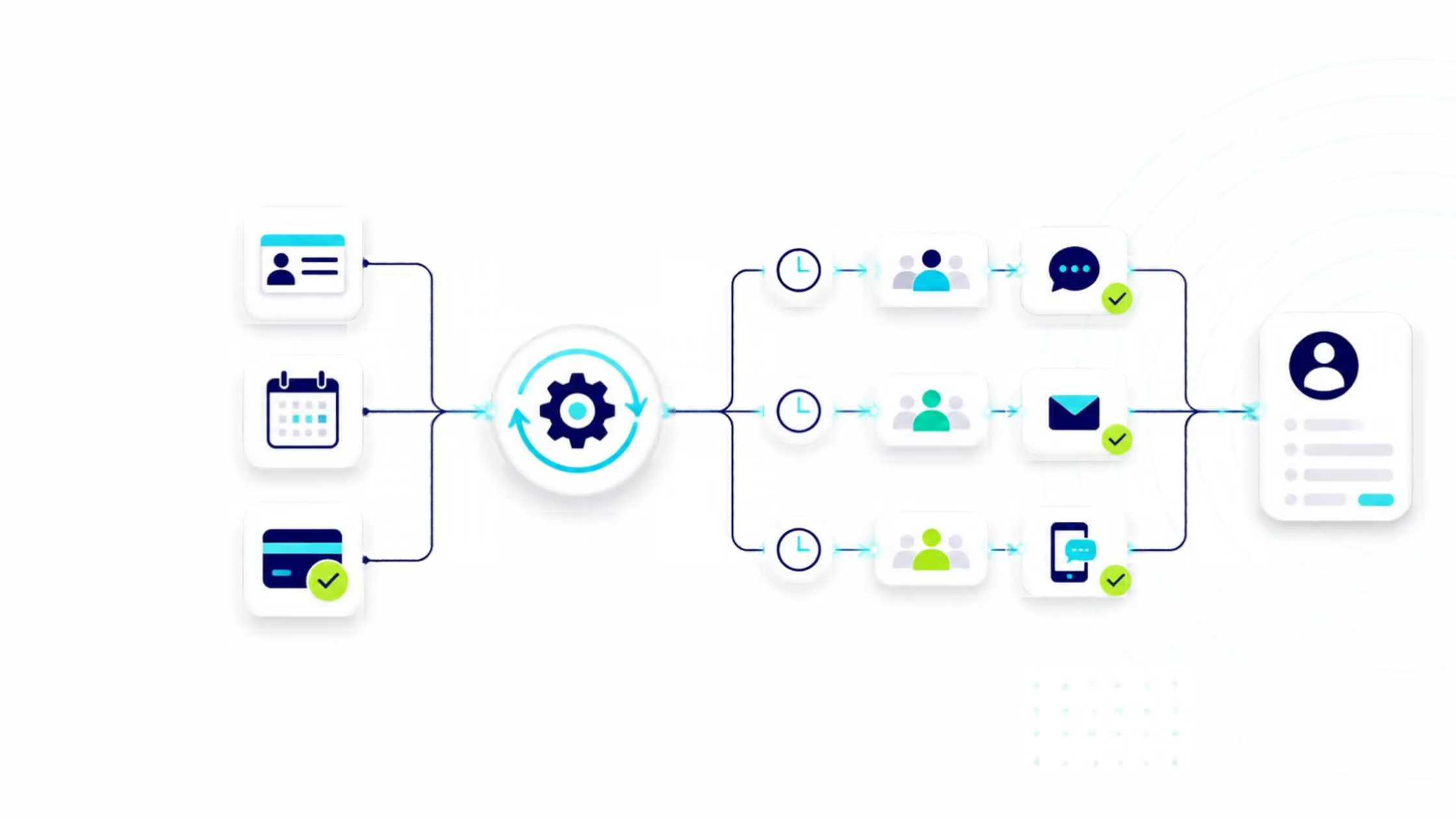
When something happens, the right message follows.
 Trigger messages when memberships, bookings or payments change.
- Build multi-step workflows with timing, audience and channel rules
- Keep automated communication connected to the member record.
Product Experience
Your team sees the conversation. Membroz sees the journey.
Connect conversations with memberships, bookings, payments and activity so staff can act with complete context.
Key Capabilities


Event-Based Messaging
Trigger messages when memberships, bookings or payments change.
Automated Message Flows
Build multi-step communication journeys without manual follow-up.
Audience Rules
Send messages based on membership, location, activity or behavior.
Multi-Channel Delivery
Choose the appropriate channel for each communication.
Scheduled Messages
Deliver messages at the right time based on business rules.
Automation History
Keep the complete communication trail connected to the member record.
Related Capabilities
Explore other platform capabilities
Every Membroz module is more powerful when connected to the rest of the platform.


WhatsApp FAQ

What is messaging automation?
Can Membroz trigger messages based on membership events?
Can I choose which channel sends an automated message?
Can I personalize automated messages?
Can I control when automated messages are sent?


